



Special Features
Advanced Mechanics & Quality of Life Systems
Auto Farm System
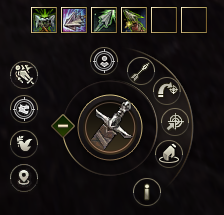
Advanced AI Hunting
Our server features a powerful, built-in Auto Farm system available to all players for free. Maximize your efficiency with granular controls designed for both solo and party play.
- ✦ Smart Targeting: NPC, Mobs, PC, or Any-Target options.
- ✦ Class Profiles: Dedicated logic for Fighter and Mage classes.
- ✦ Respect Mode: Won't attack mobs already engaged by others.
- ✦ Range Control: Set your hunting radius to stay in your preferred spot.
Auto Buff & Self-Buffs

Built-in Rebuffing
Stop worrying about expired buffs. The Auto Buff Stop worrying about expired buffs. The Auto Buff tool allows you to select your self-buffs and automatically reapplies them the moment they expire or when the system detects you are missing them.
Fighter Self-Buffs
All fighter classes have been modified to possess essential survival and combat buffs. No more dependence on alt-characters.
Class Balance Specs →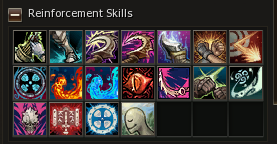
Mage Self-Buffs
Mage and Healer classes received basic buffs + specific class enhancements according to our class balance.
Class Balance Specs →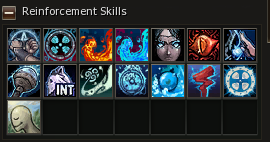
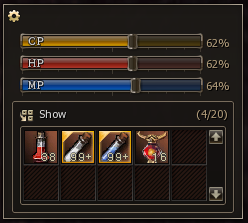
Auto Potion
Combat Sustainability
Survive even the most intense hunting grounds with our Auto Potion system. Configure trigger percentages for HP, MP, and CP potions to ensure your character stays healthy and focused on the fight.
Stay Operational
Ensures you never run out of MP during farm and helps maintain survivability when pulling multiple mobs.
Auction House
Economy & trading
Global player-to-player market
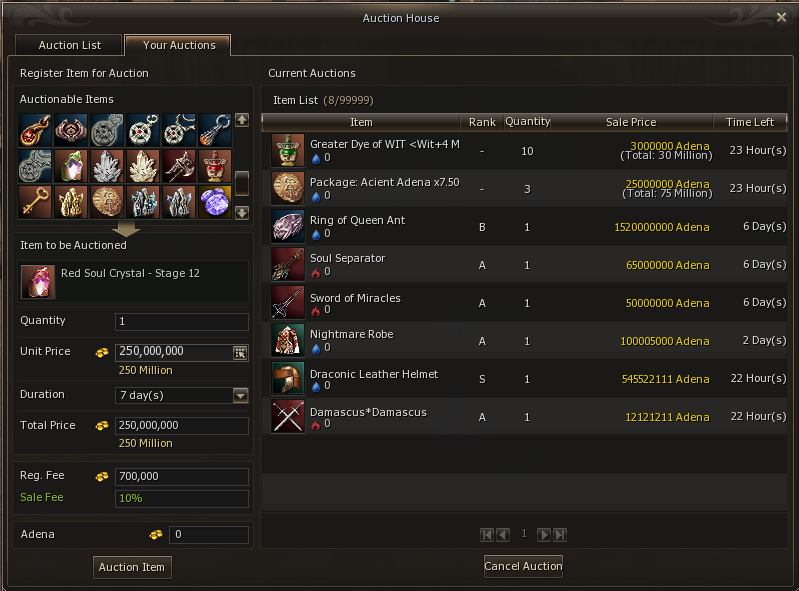
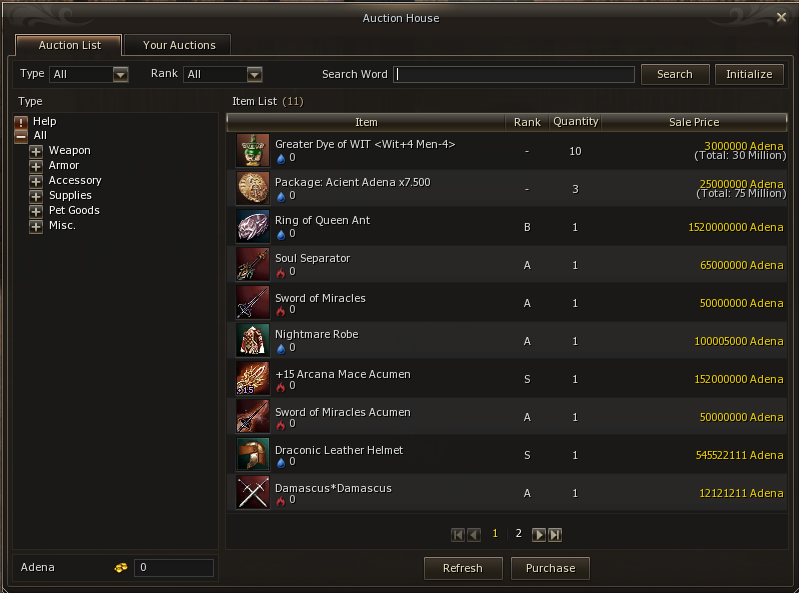
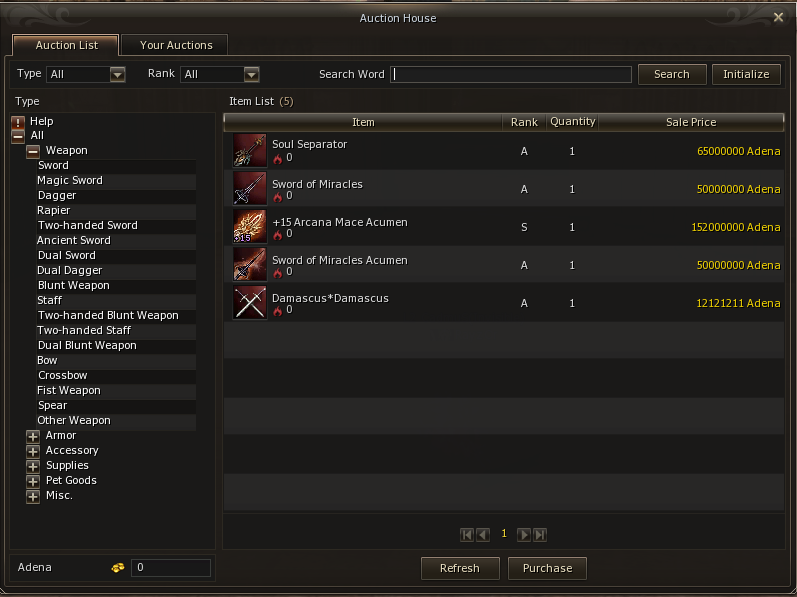
Player trading for A-Grade, S-Grade, and special items only. Use it anywhere on the map—no level, class, VIP, or other restrictions.
- ✦ When you list an item, every online player sees a [AUCTION] chat message with seller name, item, and price.
- ✦ The listing appears instantly and can be viewed or purchased by anyone.
- ✦ Only Adena is used as currency.
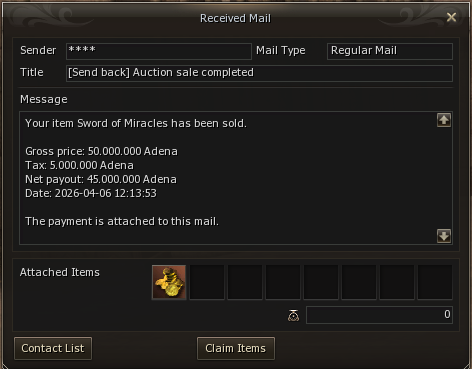
- ✦ Server commission: 10% of the final sale price.
Example: if an item sells for 100,000,000 Adena, the seller receives 90,000,000 by mail (10% fee deducted).
On sale, you get the payment mail and, if Telegram is linked, a notification with item, buyer, total price, net amount received, and date/time.
Raid Drop Auction
Raid & epics
Auction-based loot contention
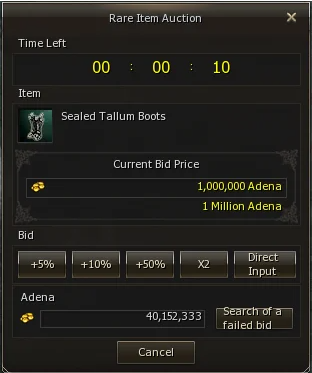
Unique to L2 Cadmus: when a raid or epic boss dies, loot does not drop on the ground or auto-assign to party members. Everything goes into an internal auction.
- ✦ Only members of the winning party or command channel (highest raid damage) may bid.
- ✦ Each item auctions for 15 seconds; the highest bid wins and goes to inventory.
- ✦ Participants see the top bid in real time and can bid using percentage buttons or a custom amount.
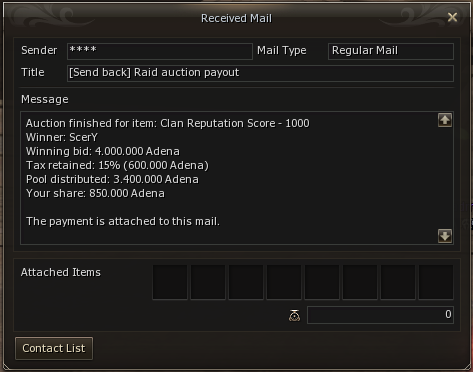
- ✦ When time ends, the winner’s bid in Adena is collected; the system keeps a 15% fee and splits the remainder evenly among the other auction participants.
- ✦ This repeats until every dropped item has been auctioned.
Raid Participation Reward
Rush bosses
Raid box rewards by contribution
Bonus rewards for all participants in Rush Boss encounters—field raid bosses and epic bosses. Payouts are split into three tiers according to your party or command channel’s damage on the boss.
-
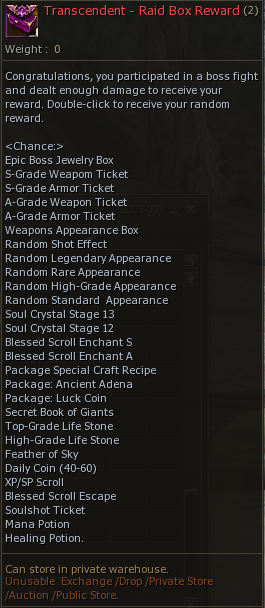
Transcendent — Raid Box (Only Epics)
Awarded to every member of the party or command channel that dealt the highest damage on the boss.
-
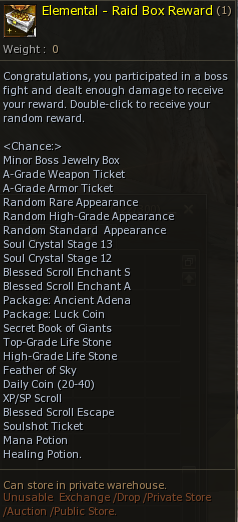
Elemental — Raid Box
Awarded to every member of the party or command channel with the second-highest damage.
-
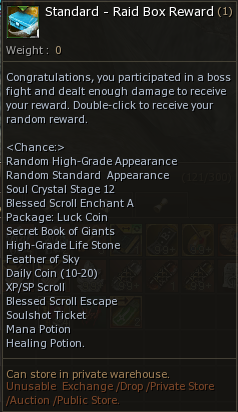
Standard — Raid Box
Awarded to every member of any party or command channel that dealt at least 3% of the boss’s total damage (minimum to qualify).
Each box lists possible rare items and supplies. Roll chances per entry range from about 15% down to 0.008%, depending on the reward line.
Character-only
Raid boxes cannot be sold, traded, listed on the Auction House, or mailed. Only the character that received the box can open and use it.
Telegram
Notifications
Official L2 Cadmus bot
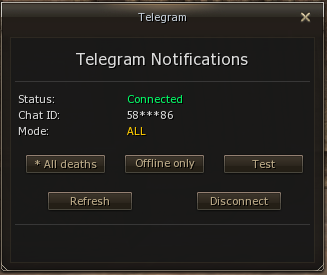
Alerts and character info: death, Auction House sales, mail sales, rare drops, plus auto hunt, buffs, consumables, and more.
- ✦ Choose which notifications you want after linking your account.
- ✦ One link connects your game account to your Telegram.
How to link
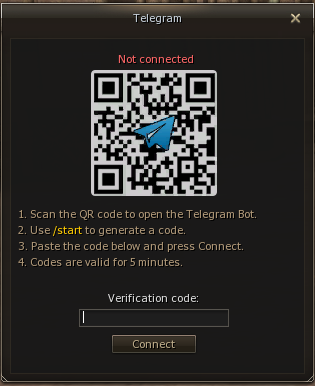
- Type .telegram in the in-game chat.
- Scan the QR code, open the bot, tap Start or send /start.
- Use the activation code sent by the bot.
- Return to the game, enter the code in the field under the QR code, and confirm. You will start receiving notifications.
Swift Travel
Global Teleporter
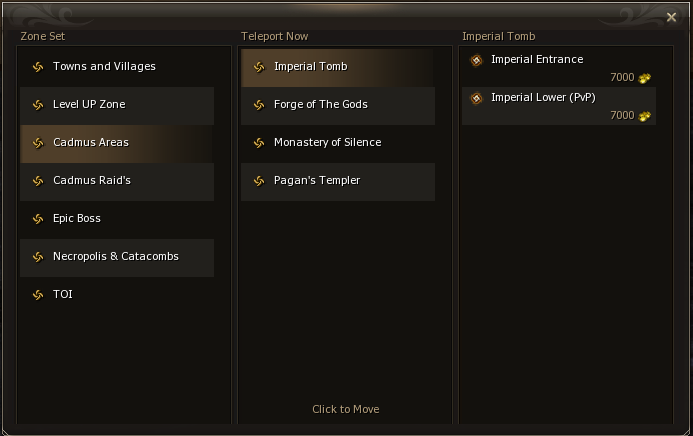
Accessible via menu or a dedicated interface button, our specialized teleporter includes tips for efficient leveling, custom material farming zones, and direct travel to Epic and Raid bosses.
Leveling Guide
Fast paths to Level 80.
Anti-Abuse Rule
Interface teleport only works when out of combat and without a flag.
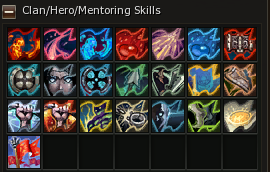
Clan skills for all members
Clan skills for all members
Every member of the clan acquires all passive skills the clan possesses, regardless of their tier (Baron, Viscount, Count, etc.). This creates balance among clan members, preventing some from having more advantages than others.
Clan and alliance structure limits
Members per clan
Maximum 45 players in the main clan.
Clans per alliance
Maximum 2 clans (leader clan + 1 clan).
Command Channel parties
Maximum 10 parties (10 PTs).
Clan divisions
Royal Guard and Knights removed; only Main Clan remains.
These limits keep clan progression fair, simplify leadership, and make large-scale organization easier for everyone.
VIP System
Loyalty Rewards
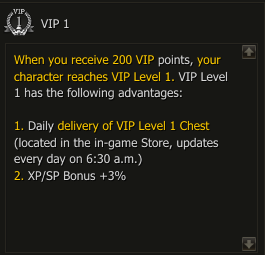
The VIP level increases based on your contribution to the server via the Prime Store. Every purchase (Skins, Premium, Inventory slots, etc.) accumulates points towards your next VIP level, unlocking unique bonuses.
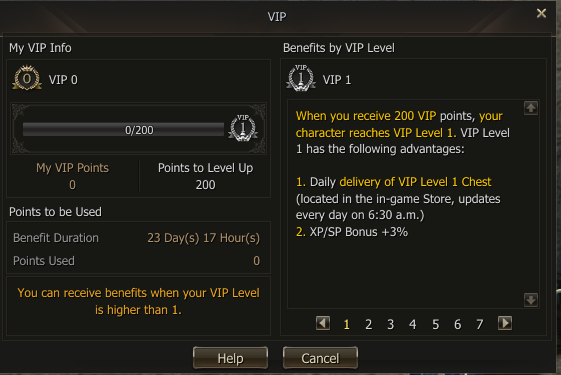
Explore VIP Levels
Modern UI & Interface
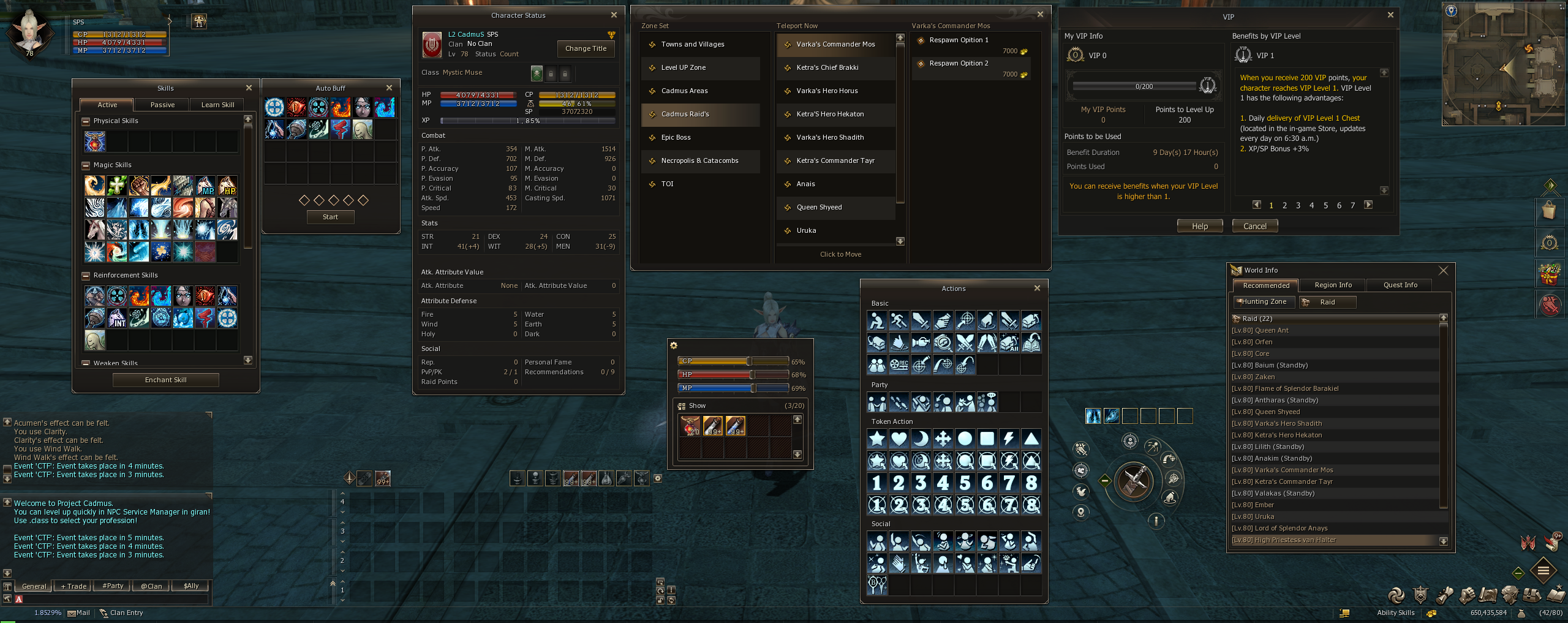
Auto Hunt System Integration
Real-time Auto Buff Monitoring
Smart Auto Potion Triggers
Quick Class/Sub-Class Swap (Peace Zones)
Multi-Assist Buttons for Party Play
Minimalist & Aesthetic Experience Bar
Dynamic HP/CP/MP Display with Avatar
Toggleable Active Buff Window
World Info: Real-time Boss Tracking
Advanced Teleport GUI
VIP System Dashboard
Modernized High-Performance Chat
Status Bar: Email Access, Adena & Inventory Slots